

TradeStation strategies, generated and exported to EasyLanguage
AlphaPrime generates and backtests futures strategies, then exports the ones you keep as one EasyLanguage file you can paste into TradeStation and verify.
No credit card. Windows 10/11, 64-bit. Linux and Mac versions coming soon. The trial can export source code too.
How do you get a TradeStation strategy out of AlphaPrime?
- 1
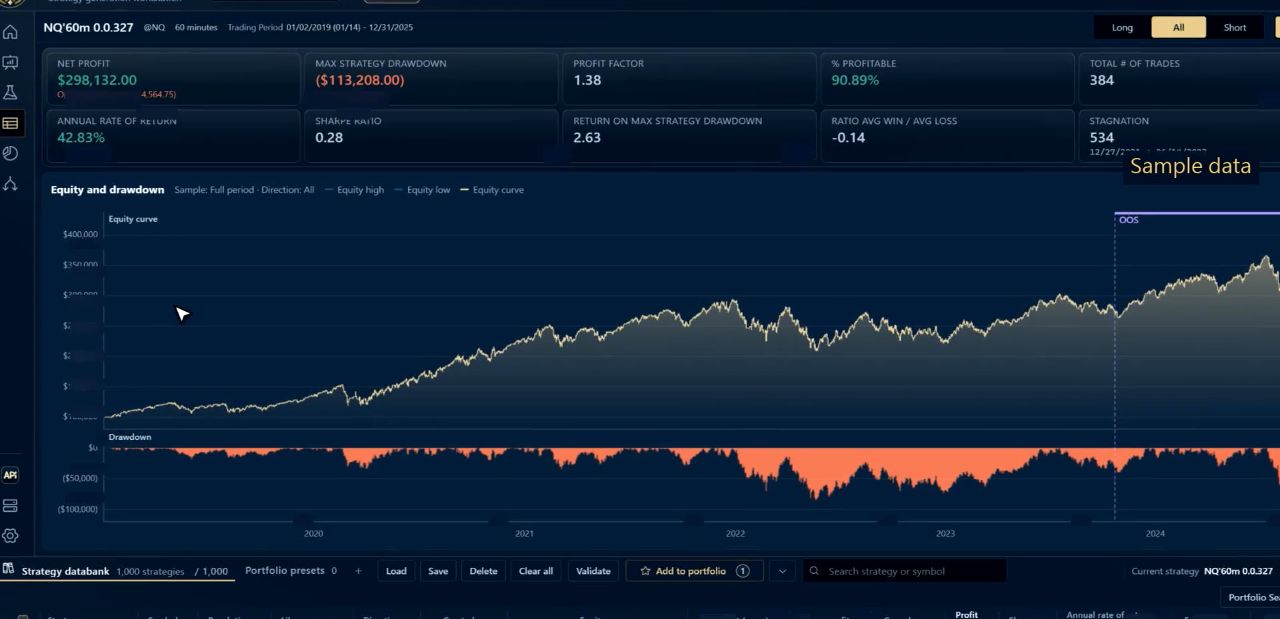
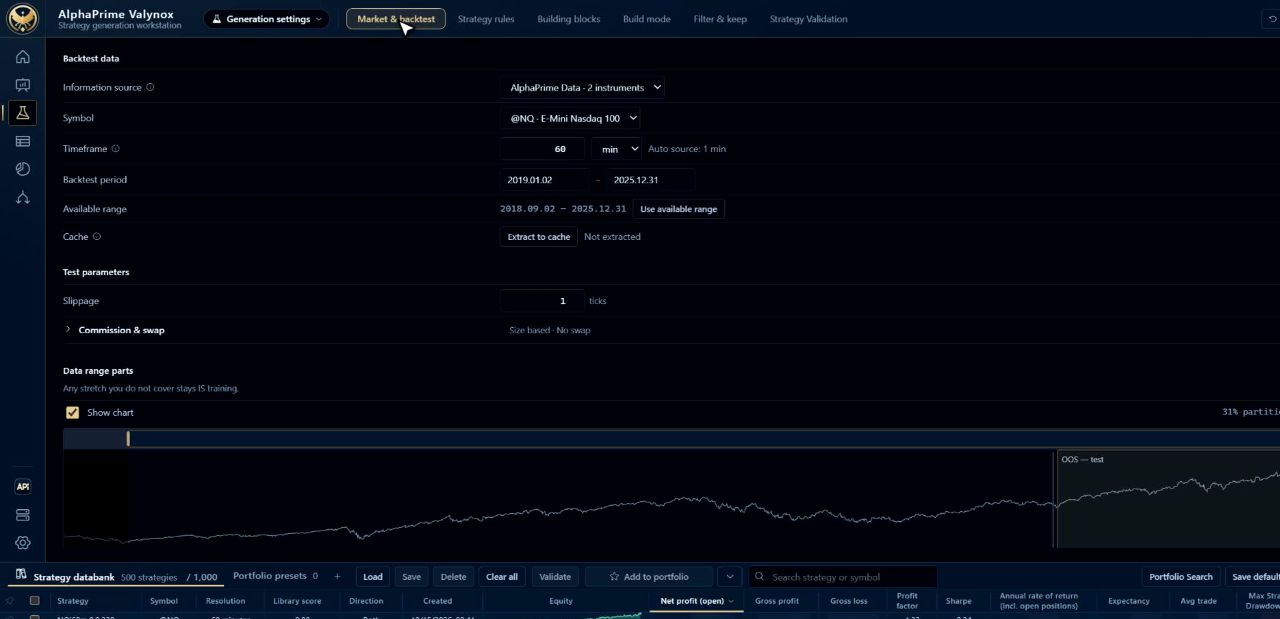
Generate and backtest
Pick the market, bar size, costs and the indicator families to search. Every candidate is backtested with fees and slippage. No EasyLanguage needed for this part.
- 2
Keep what holds up
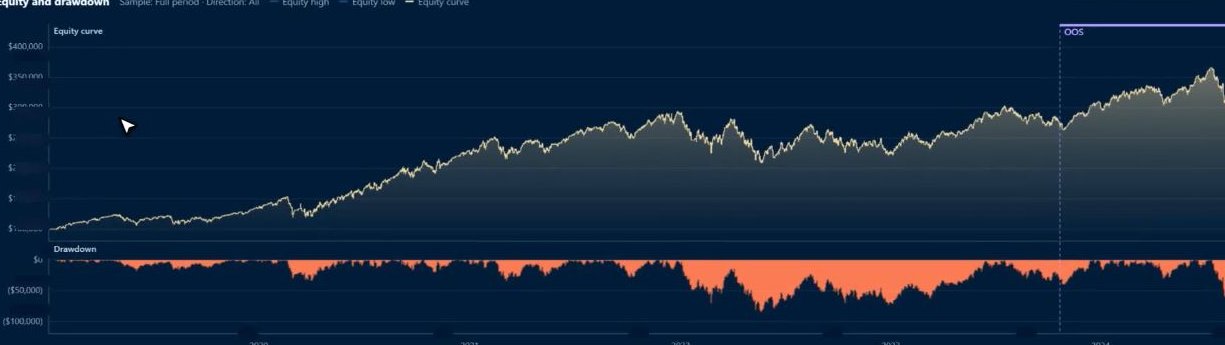
Read the report, check the out-of-sample stretch and keep the strategies worth trading.
How do you bring it into TradeStation?
- 1
Export the .el file
In the Performance report, open Strategy source code, choose TradeStation and click Export file or Copy code. The functions are written into that one file.
- 2
Create the strategy
In TradeStation, File → New → Strategy, named as the file header shows. Paste the whole file and press Verify (F3).
- 3
Match the settings
Set the chart and strategy as the header lists, then compare both trade lists on the same data before you trade it.
Which settings must match the backtest?
| Setting | What to set in TradeStation |
|---|---|
| Chart | Instrument, bar period and date range |
| Money | Initial capital and number of contracts |
| Costs | Commission per contract per side, and slippage in ticks per side |
| Contract | Big point value and tick size |
| MaxBarsBack | At least the value in the header, not Auto-detect |
| Time zone and session | Exchange time zone, and the session in the header |
| Look-Inside-Bar Back-testing | Keep it off |
Frequently asked questions
Can I build TradeStation strategies without coding?
Yes. In AlphaPrime you choose settings on screen, and the export gives you finished EasyLanguage. You can read or change it in TradeStation if you want to.
Does the export need a library or extra functions?
No. For TradeStation the functions the strategy uses are written into the one .el file, so there is no function to create first.
Will TradeStation show the same numbers as the backtest?
Compare the two trade lists on the same data before you trade it. Data, session and cost settings can all change the result, which is why the file header lists what the backtest used.
Can I try it before buying?
Yes. The free 7-day trial can view and export source code, so you can follow every step with TradeStation first.
What other platforms can I export to?
MultiCharts, TradingView, NinjaTrader, MetaTrader 4 and MetaTrader 5, in each platform's own language.
Try it with TradeStation, free for 7 days
Research software, not investment advice. No profit guarantee; backtest results do not indicate future performance.